Almost every article on this subject tells you to sit up straight. The research is less convinced than the advice is, and saying so makes the rest of the page more useful.
The finding that holds up: how long you hold a position matters more than which position it is. Which means the best desk setup is the one that makes changing position easy.
Start with the screen
If you only change one thing, change this one. A screen that is too low pulls the head forward, and the muscles at the back of the neck hold it there all day.
| Element | Aim for | Common mistake |
|---|---|---|
| Screen height | Top of the screen at or just below eye level | Laptop flat on the desk, everyone looking down |
| Distance | Roughly an arm length away | Pulled close because the text is too small |
| Text size | Big enough to read leaning back | Squinting and creeping forward |
| Second screen | Beside the first, at the same height | Off to one side, so you turn all day |
| Varifocals | Screen lower than standard | Tipping the head back to find the reading section |
The laptop problem
This is the change worth making before any of the others, and it is the one most people put off.
A laptop cannot be right. If the screen is at the correct height, the keyboard is too high; if the keyboard is right, you are looking down at the screen.
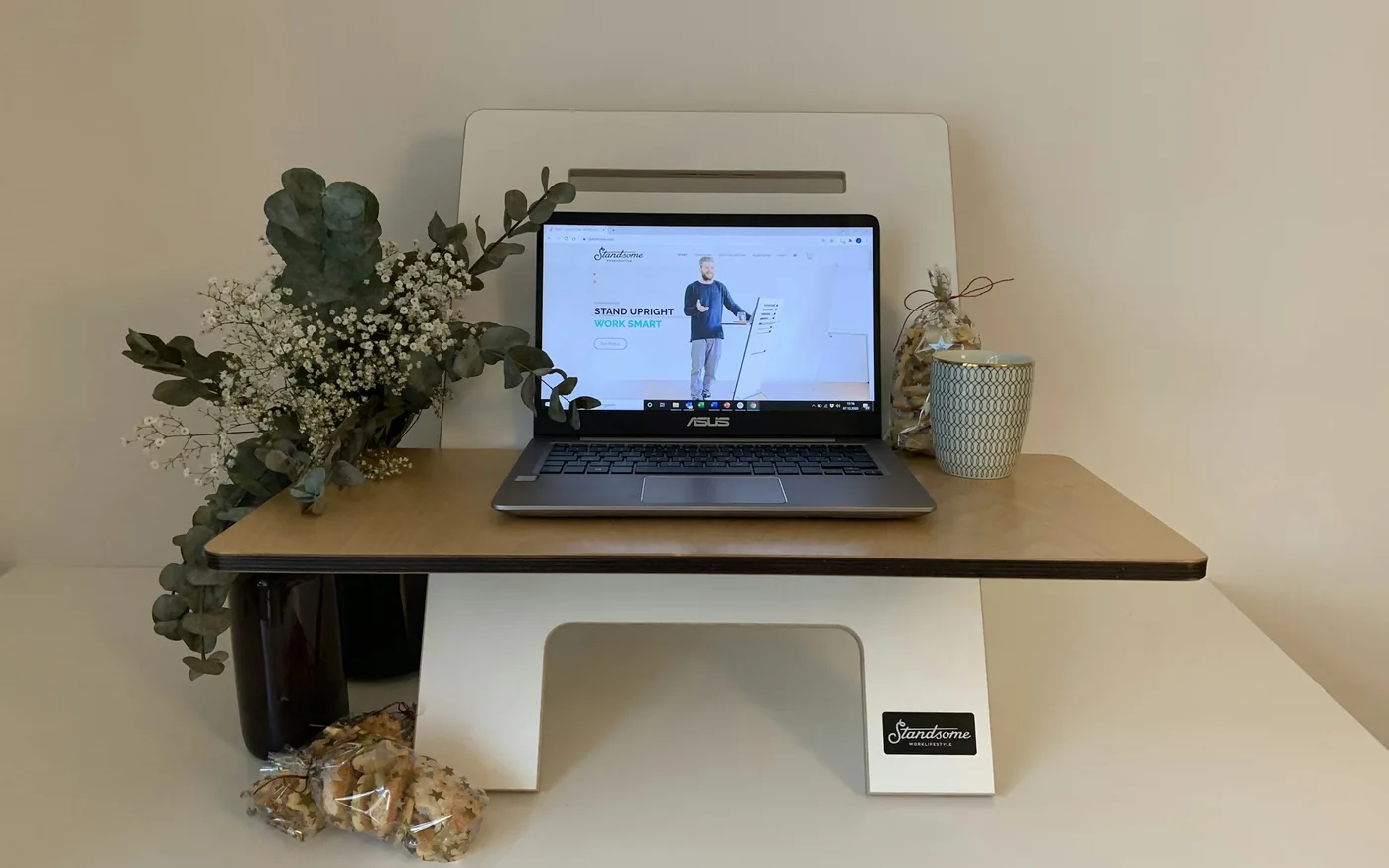
There is no clever posture that solves this — it is a geometry problem. The fix is separating the two: raise the laptop on a stand or a stack of books and add an external keyboard and mouse, or plug into a separate monitor.
For anyone working from a laptop several hours a day, this is the highest-value change on the page and it costs very little.
Arms, and the mouse
- Elbows roughly at your sides, bent somewhere near a right angle. Not reaching forward.
- Forearms supported by the desk or the chair arms. Unsupported arms hang from the neck muscles all day.
- The mouse close in, next to the keyboard rather than out past it. Reaching for a mouse is a shoulder problem in the making.
- Shoulders down. If they creep up, the desk or the chair is usually too high.
That third point matters more than its position in the list suggests — a mouse placed out beyond the keyboard is one of the commonest contributors to shoulder pain and tennis elbow in desk workers.

The chair, briefly
Chairs attract more attention and more money than they deserve. A few things genuinely matter; the rest is preference.
| Feature | Worth having | Why |
|---|---|---|
| Height adjustment | Essential | Everything else follows from getting this right first |
| Feet flat on the floor | Essential | A footrest solves it if the desk cannot go lower |
| Adjustable arm rests | Very useful | Supported forearms take load off the neck |
| Lumbar support | Useful | A rolled towel does most of the job for nothing |
| Expensive mesh | Optional | Comfort, not a clinical requirement |
Phones and tablets
You will have seen the claim that looking down at a phone puts sixty pounds through your neck. That figure comes from a paper that has been heavily criticised, and repeating it does nobody any favours.
What is true and less dramatic: holding the head forward for long stretches makes the muscles at the back of the neck work continuously, and they ache. Bringing the phone up towards eye level, and putting it down periodically, addresses that. No structural damage is being done.

The part that actually works
Movement. Not a particular exercise — simply changing position roughly every half hour.
The reason a sit-stand desk helps is that it makes switching trivial, not that standing is inherently virtuous. Standing rigidly for eight hours has its own consequences. If you have one, the value is in using both settings.
If you do not have one, the same effect comes free: stand for phone calls, walk to fill a glass of water, take one meeting away from the desk. OSHA publishes a detailed computer workstation guide covering the measurements in more depth.
A useful way to think about it: the setup decides how good your default position is, and the breaks decide how long you spend in any one position. Both matter, but only one of them is free.
What a desk cannot fix
If arm symptoms travel into specific fingers, that is worth reading about separately — a pinched nerve in the neck behaves quite differently from muscular desk ache, and so does carpal tunnel syndrome.
For ordinary accumulated tension, massage for neck and shoulder pain covers what hands-on work does and how often to go. Jaw clenching at the desk is its own pattern, covered in acupuncture for TMJ and jaw pain.

Booking a session in Beverly
Massage is $45 for 30 minutes, $75 for 60 and $105 for 90, and acupuncture is $75 — all on our rates page. For desk-related neck and shoulder tension, thirty focused minutes is often enough.
Browse all our articles, see how many sessions people usually need, or get in touch.
Frequently asked questions
Is bad posture causing my neck pain?
Less directly than people assume. The evidence linking a specific sitting posture to neck pain is weaker than the advice suggests. What does show up consistently is how long a position is held without variation, which points at movement rather than alignment.
How high should my monitor be?
The top of the screen at or just below eye level, about an arm length away. If you wear varifocals you may need it lower, because otherwise you will tip your head back all day to find the reading section.
Is a standing desk better?
It helps by making variation easy, not because standing is inherently good for you. Standing still for eight hours brings its own problems. The benefit is in the switching.
Does “text neck” damage my spine?
The alarming figures circulated about head weight at various angles come from a paper that has been widely criticised. Sustained looking down does load the muscles at the back of the neck and can make them ache. That is a comfort problem, not structural damage.
How often should I get up?
Roughly every half hour is the figure most guidance settles on. It does not need to be long — standing up, walking to fill a glass of water and sitting back down counts.
This article is general information, not medical advice. Acupuncture is intended to work alongside the care of your doctor, not to replace it. Please speak to a clinician about any new, severe or changing symptom.